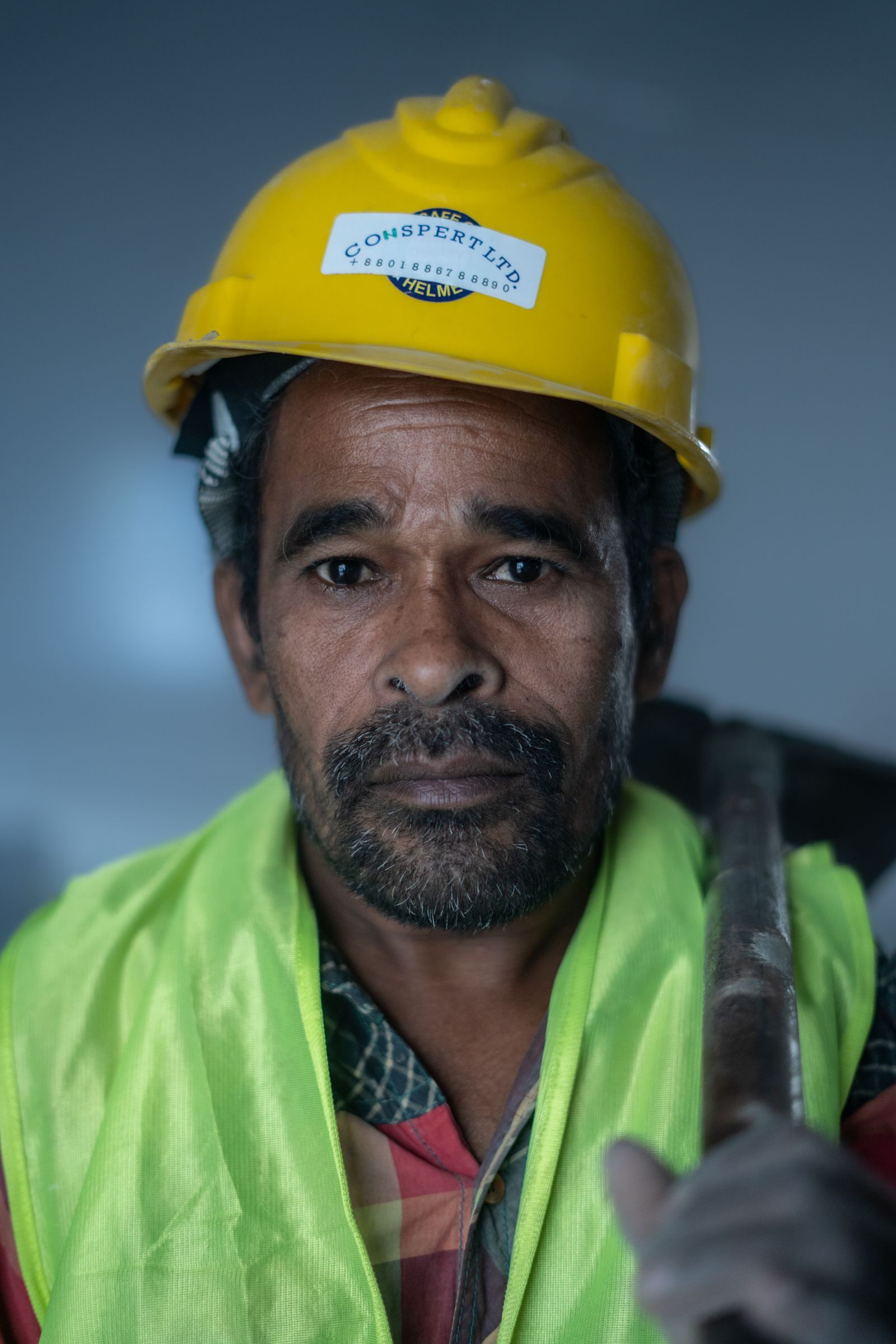

Crew 01
1 operator · 1 laborerMaple Lane drivewayExcavation & subgrade
Phase 2 of 4
Started 7:00 AMWork plan
See where each job stands and what your crews are doing. Know where equipment is needed. Bring scattered updates into a clear work plan, with records your office can act on and crew accountability.
Spend less time chasing updates.
Jobs, crews, equipment and records in one shared workspace.
Keep maintenance plans and equipment records alongside the work.
Built around how your people work and what matters to your business.


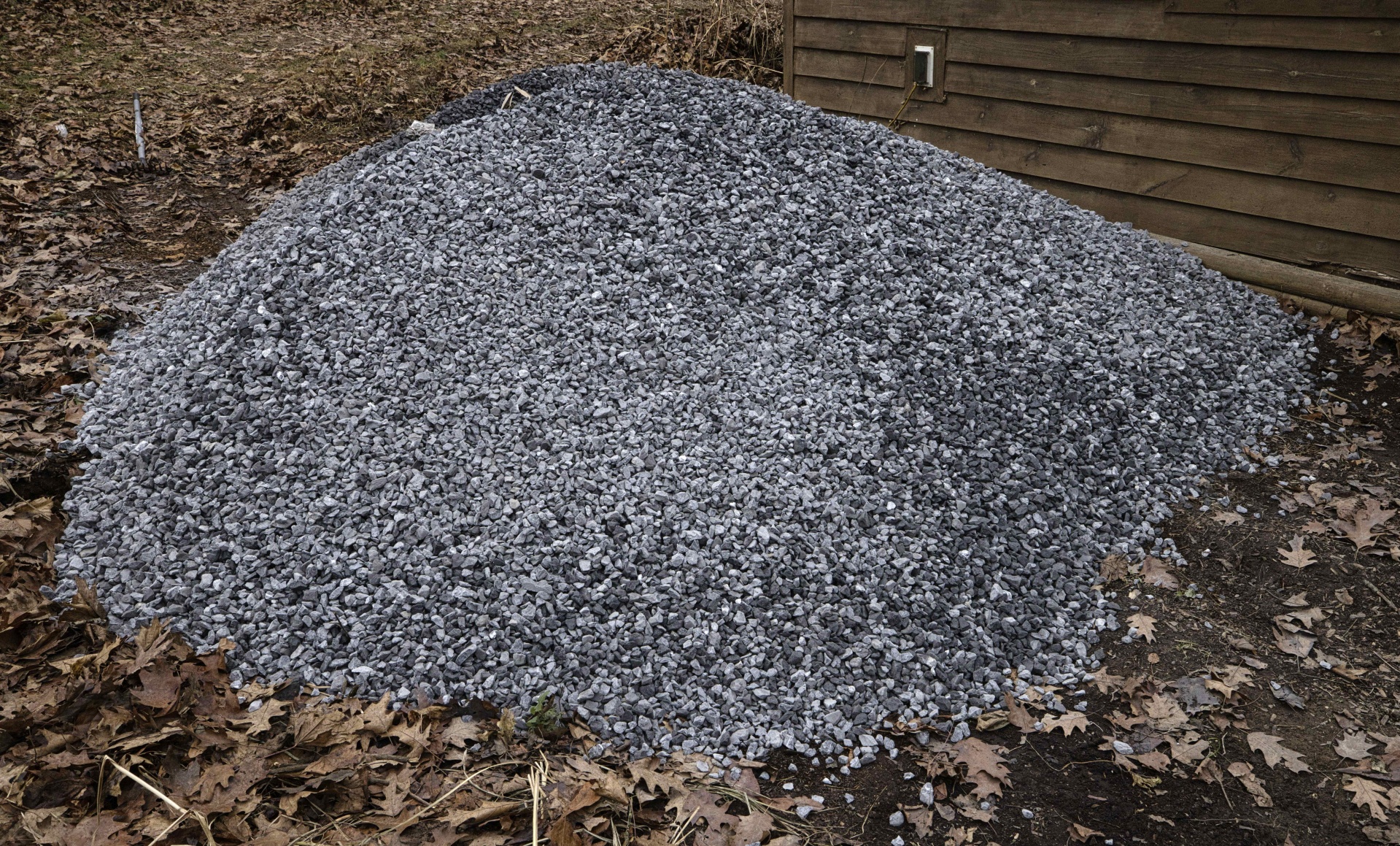
2 loads deliveredMeadow Road · 8:35 AM
 DriverTruck 01
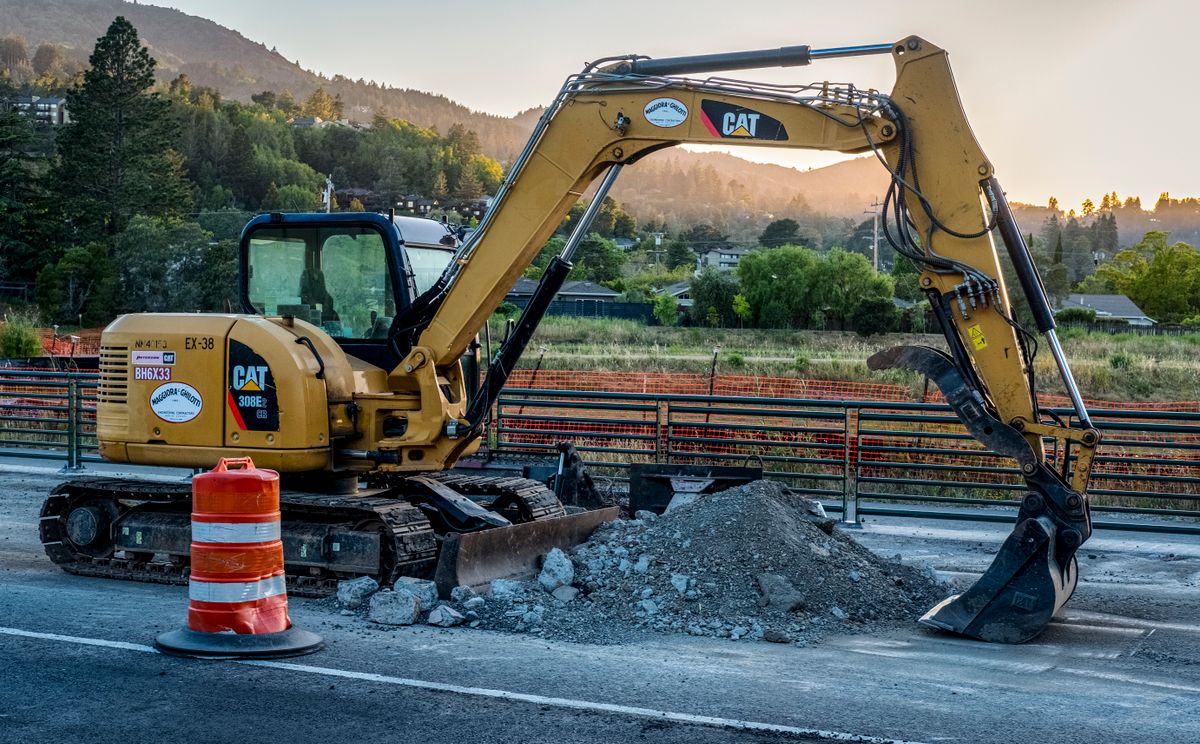 On site
Maple Lane
View on map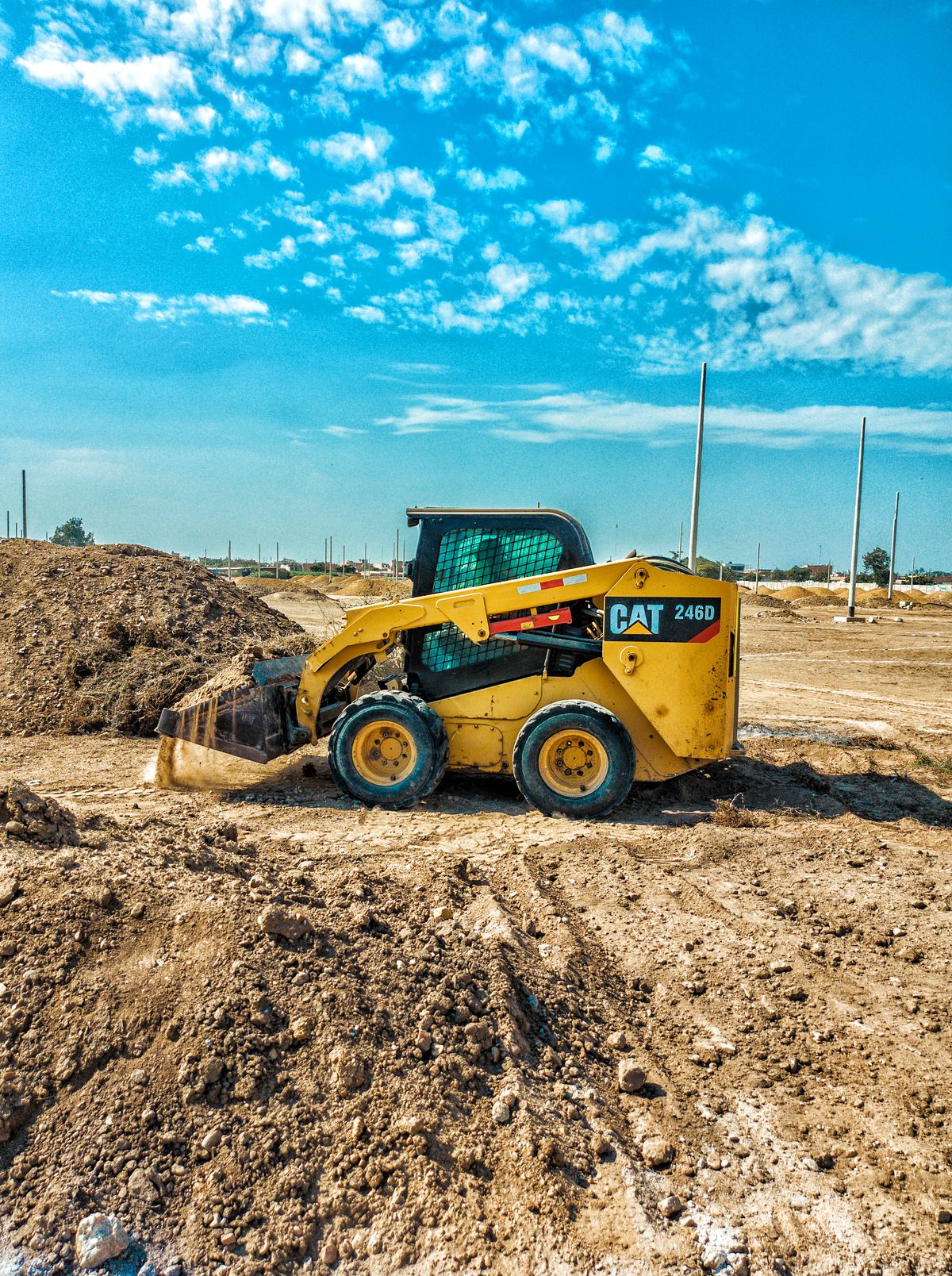 On site
Meadow Road
View on mapFIELD OPERATIONS SOFTWARE
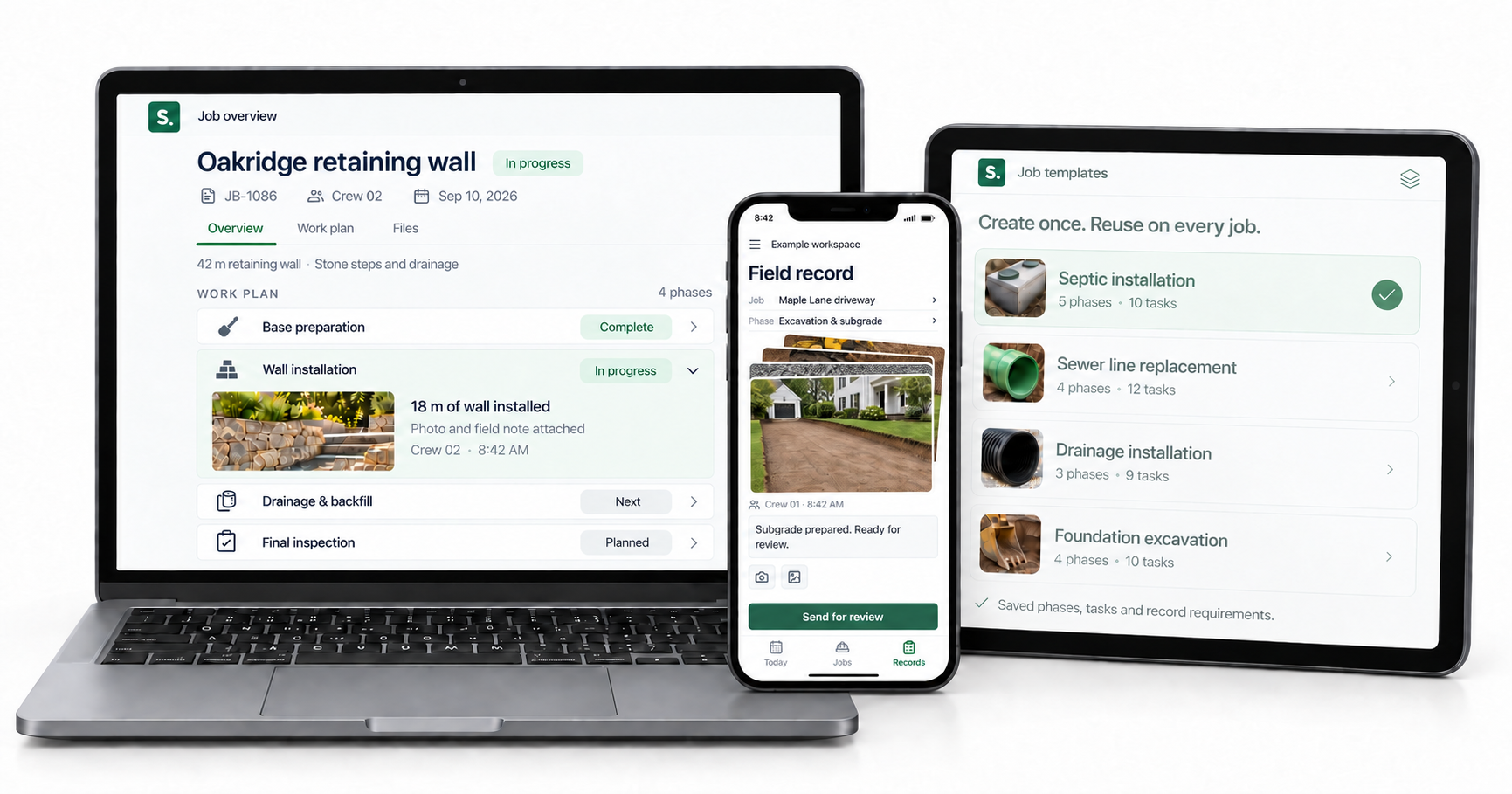
You set the standard. Give crews a plan that says what to do and what to record on each job. Hold people accountable for the work they submit.
Photos, notes and hours stay in the same job record. See who did the work, what they completed and what still needs attention. Site Set connects the record to your customers and schedule, along with the equipment involved. The setup reflects how your company works.
MOBILE CREW LOGGING
Crews can find their assigned jobs and next steps in one place.
Add job photos and field notes while the details are fresh.
See who completed the work and what’s ready for review.
No service needed for field logging.
CONNECTED SERVICES
THE WORK, FROM THE START
Keep the customer and property connected to the work plan through to the finished job.
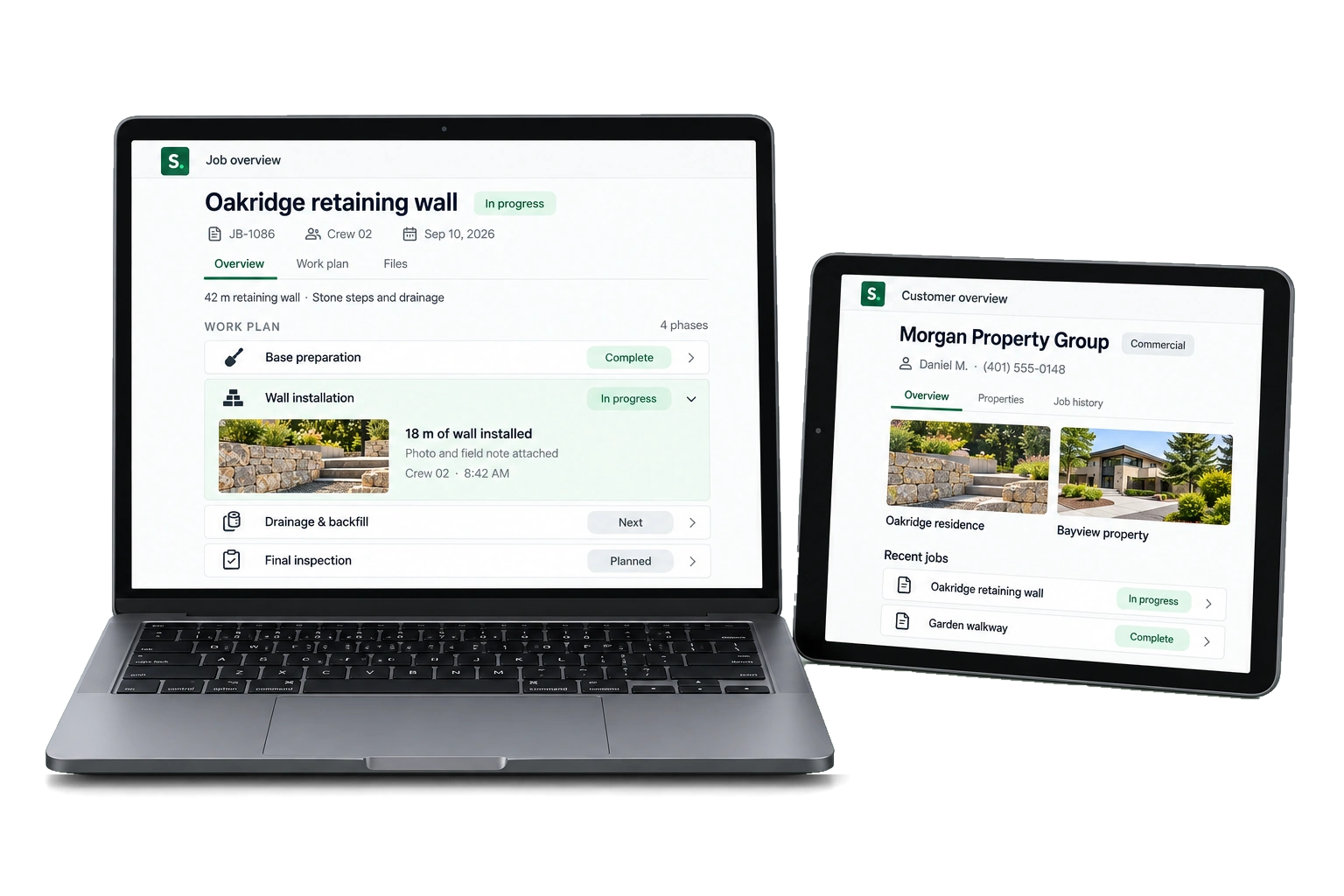
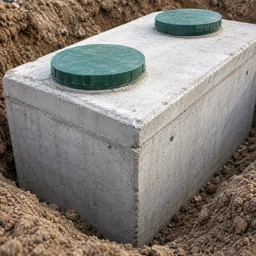


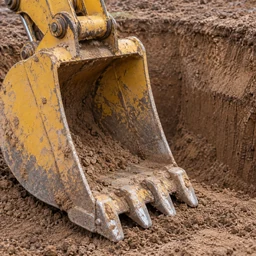
5 phases · 10 tasks · Ready to adapt to the site
Your saved format, ready for the next job.
TEMPLATES & PRESETS
Save job plans and invoice templates, along with presets for material deliveries. Site Set keeps them in software configured for your company, so your team can reuse the details it relies on. Routine work stays organized, with less time spent preparing it.
Start with saved plans, formats and settings. Change what you need to, without entering everything again.
Use a consistent structure for jobs, invoices and deliveries so there are fewer details to chase.
Prepare everyday tasks with your company’s presets and give people a clear workflow to follow.
WEBSITE DESIGN
We build custom websites that show your work and bring in inquiries. Your website can connect new leads to Site Set so you can keep track of follow-up.
Explore website designABOUT SITE SET
A few things to know before we talk.
LET’S TALK ABOUT YOUR WORKFLOW
See how the software connects your jobs, crews, equipment and field records, with a setup that reflects your company.
Start with the work plan and finish with the record your office reviews.
Discuss your processes and the priorities that shape each day.
Tell us how to reach you.

 Kitchens