Mobile crew logging
Record the work
while you’re on site.
Give your crew a focused view of assigned jobs, with photos, notes and required checks attached to the work they document.
Schedule a Free Demo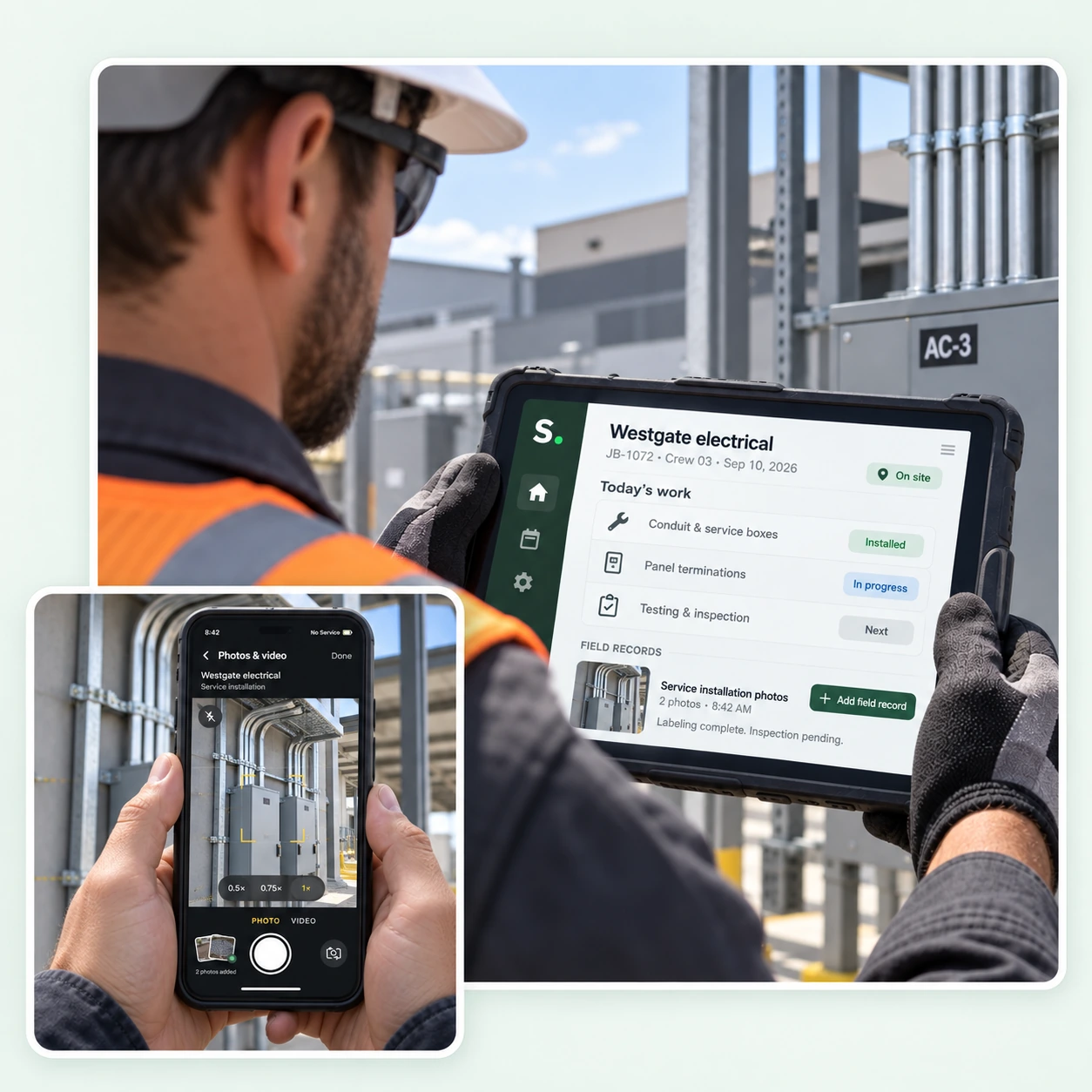
MOBILE CREW LOGGING
Give your crew the details needed on site.
Relevant work for the day
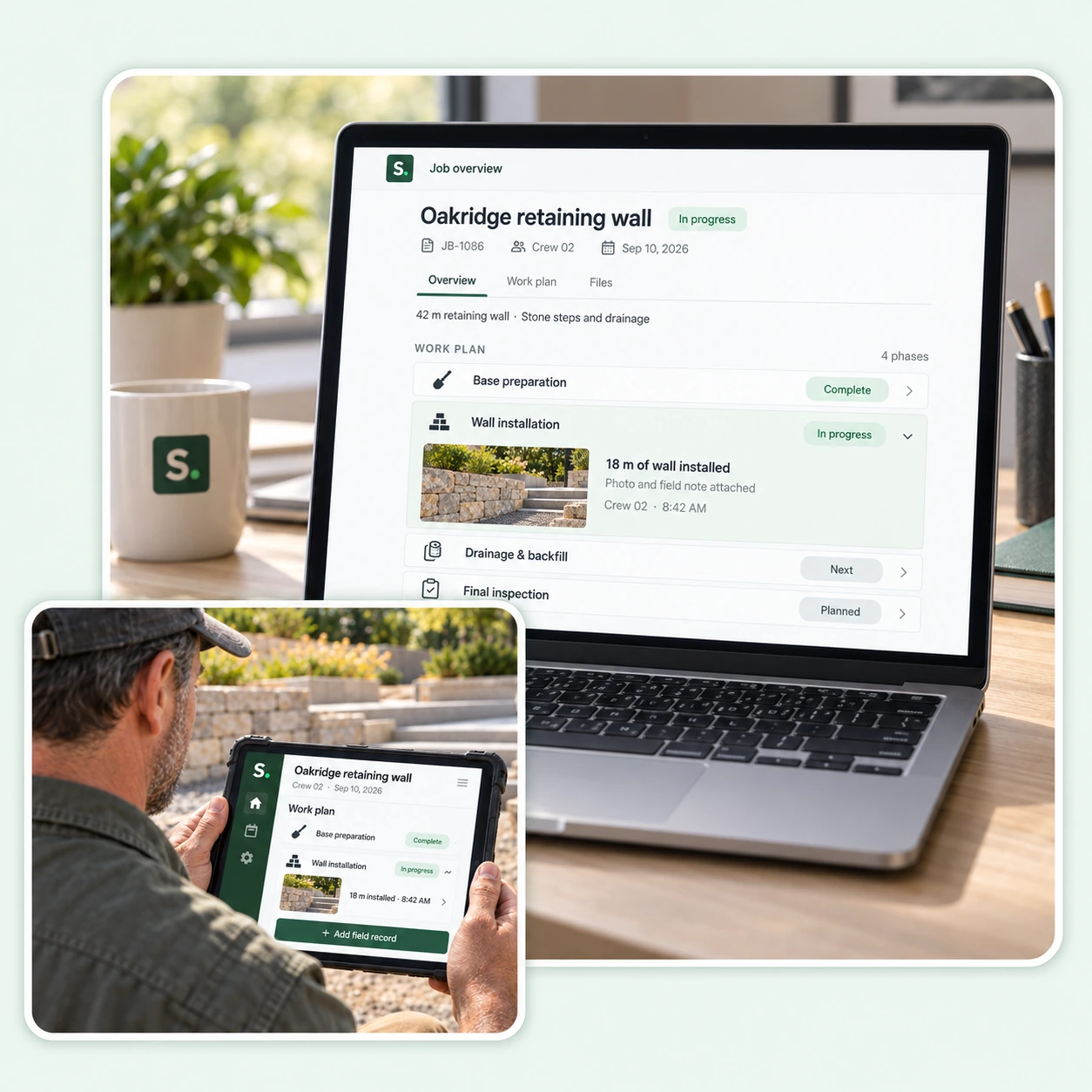
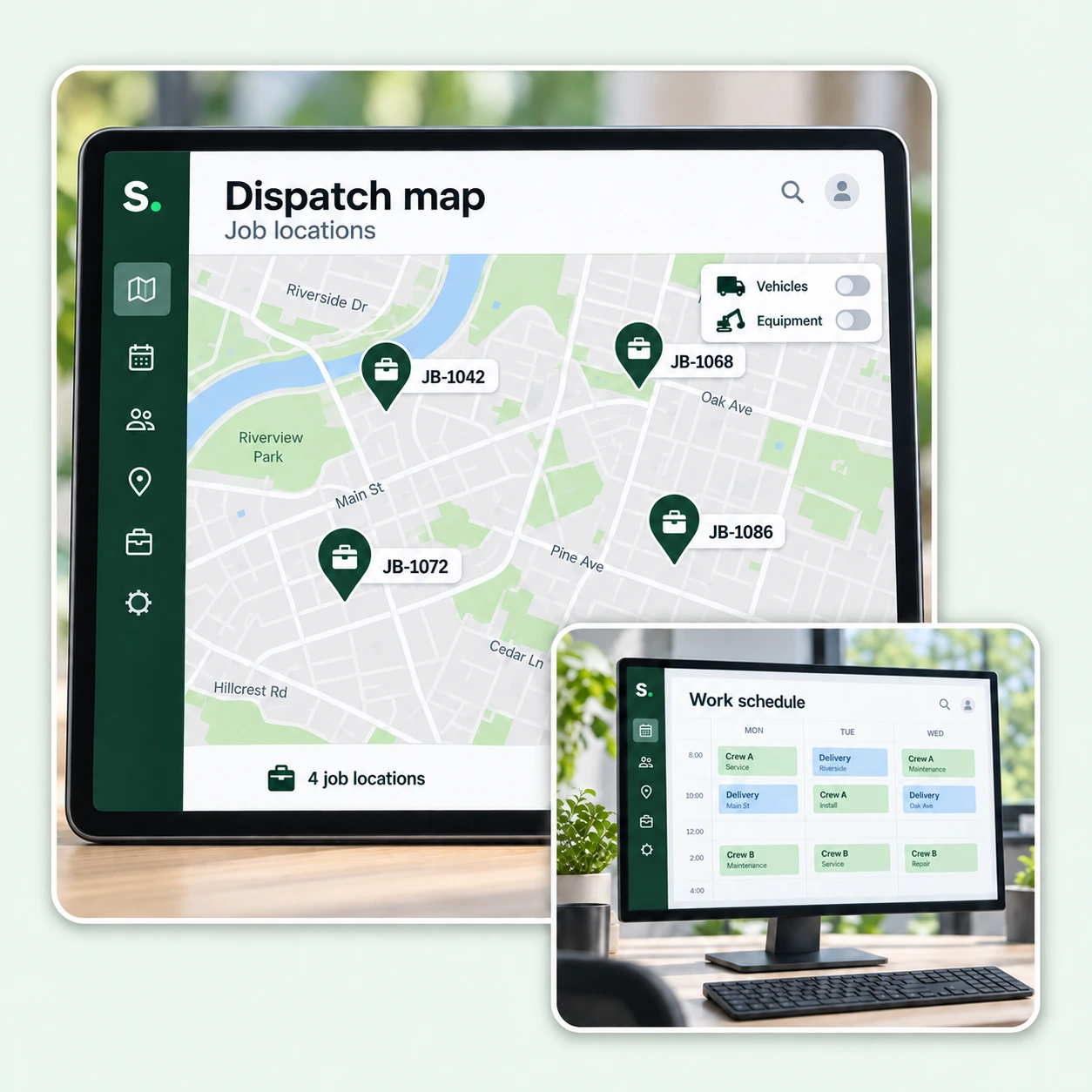
Open the assigned job, property and current phase without searching through unrelated office records.
Photos with a purpose
Keep site photos with their job and phase so they are easier to find and review.
Checks and field notes
Record observations, complete required checks and capture the quantities or details specified in the work plan.

FIELD RECORDS & OFFICE REVIEW
Give the office something it can verify.
A visible submission status
See which records have been submitted and which are waiting for review, with the original author retained.
Specific correction requests
When a record needs more detail, keep the request connected to the original job and submission.
Records that stay with the work
Keep photos, checks and notes in the job history so the office can refer to them when reviewing or closing the job.
TIME & LABOR RECORDS
Keep actual hours tied to the job.
Time against the work
Record who worked, when they worked and the actual hours spent on each job, with breaks accounted for.
Corrections with context
Keep the original entry and the reason for a change together, so corrected hours have a clear history.
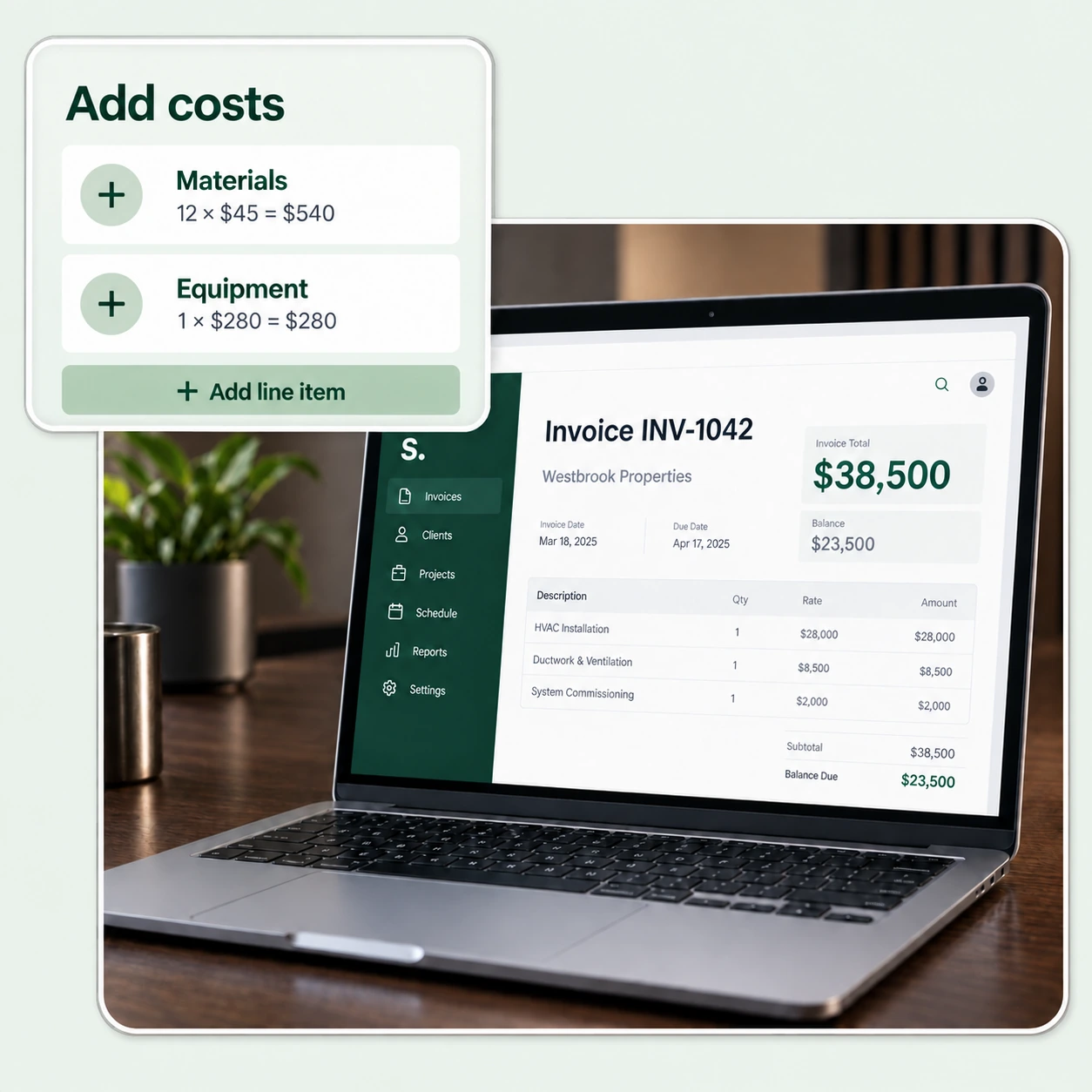
Labor connected to job costing
Bring recorded hours into the job’s labor records. Keep time worked separate from the hours originally scheduled.
CONFIGURED FOR YOUR COMPANY
Give your crew a practical field view.
See how assigned work, required records and actual hours can be presented for the people doing the job.
Schedule a Free Demo