Analytics & reporting
See what your jobs
actually earn.
Compare completed-job revenue, direct costs and actual labor hours, with the supporting records behind each result.
Schedule a Free Demo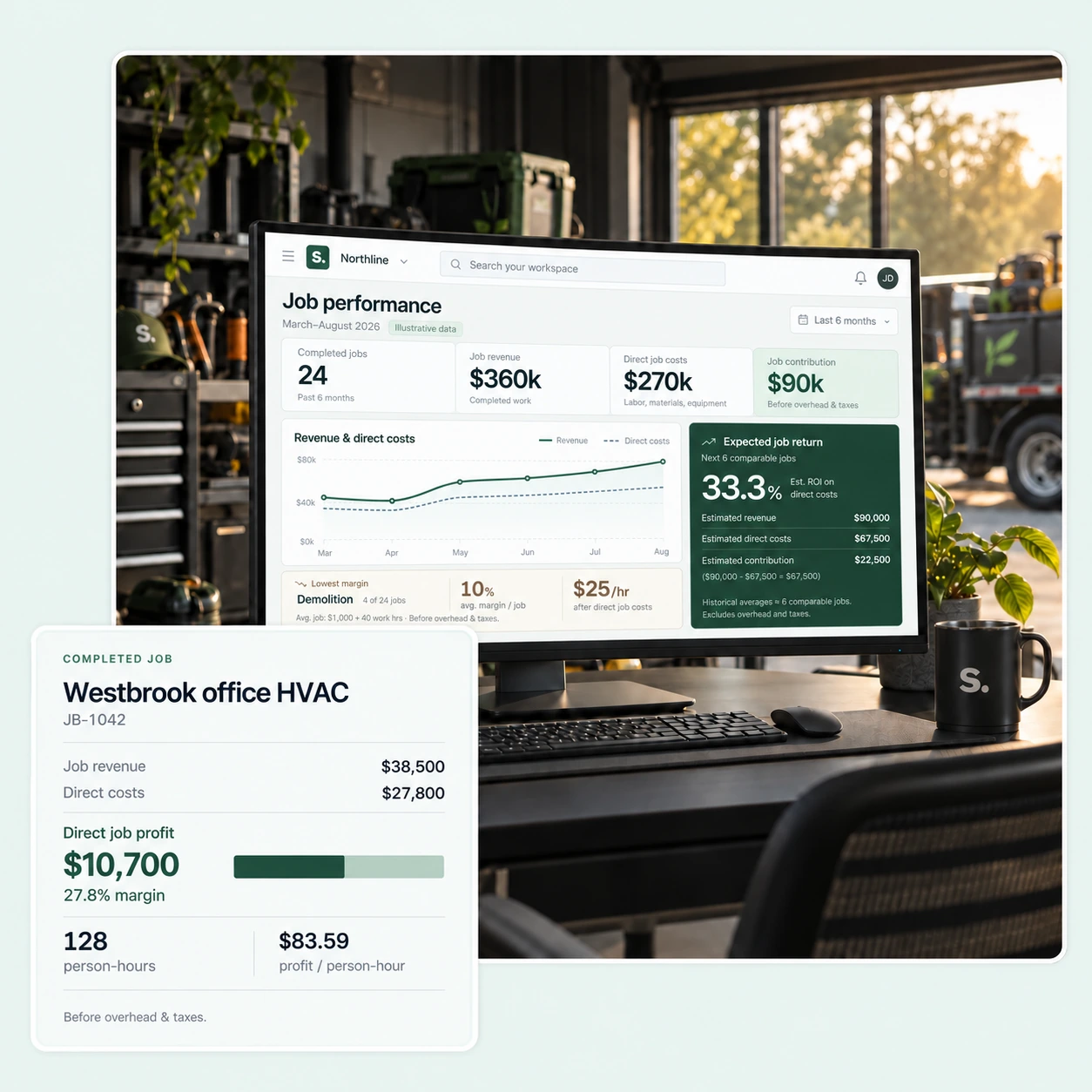
ANALYTICS & REPORTING
Understand the result of completed work.
Direct job profit and margin
Compare the job’s revenue with its recorded direct costs. Company overhead and income tax remain outside this result.
Results per actual person-hour
Review the return against entered labor hours. Jobs without actual hours do not receive an estimated hourly result.
Work types and monthly results
Look across completed jobs to compare types of work, spot low-margin results and review changes over time.
THE RECORDS BEHIND THE REPORT
Know what the numbers are based on.
Confirmed records for final results
Final profit rankings use jobs with both billing and costs confirmed. Incomplete jobs remain identifiable for review.
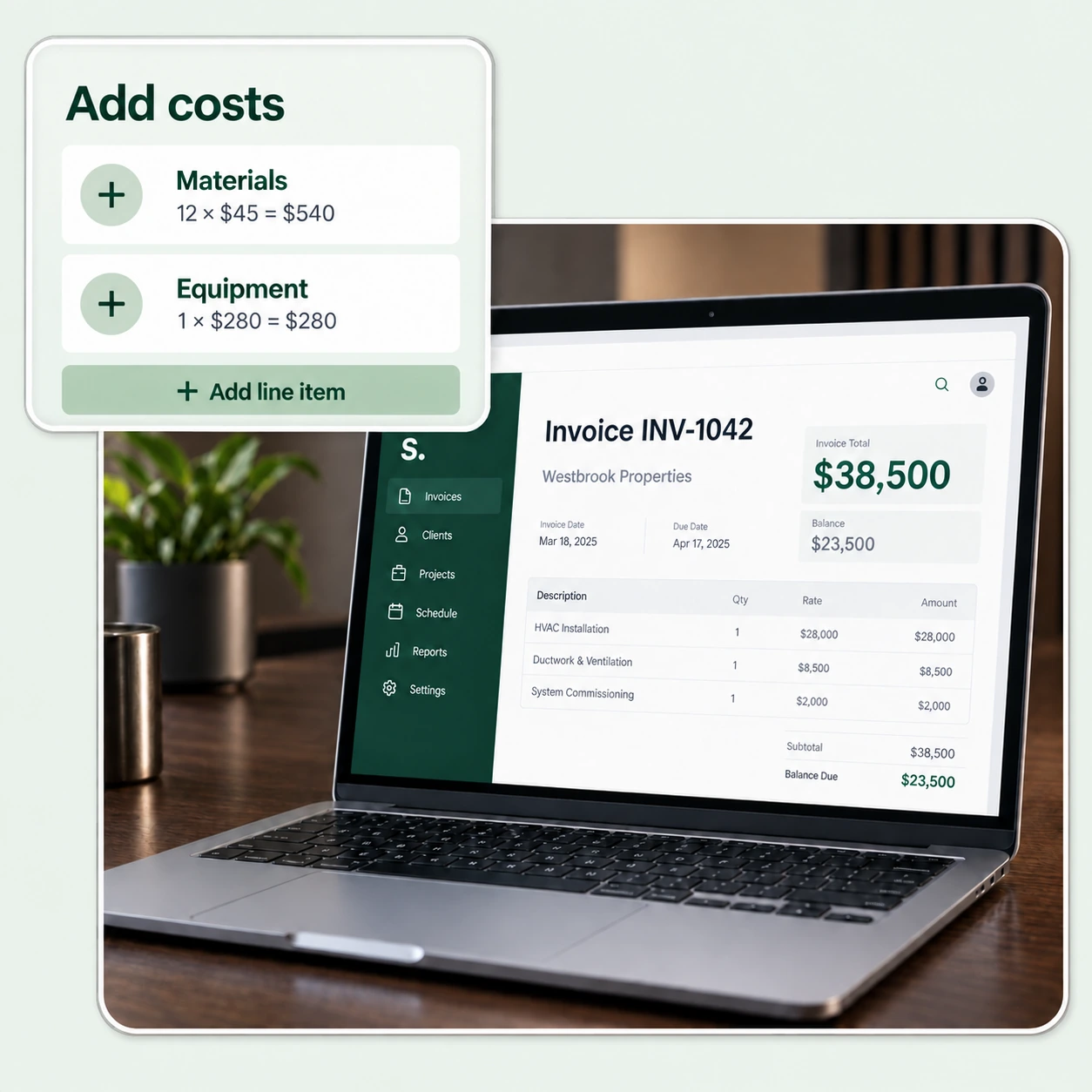
Open the source record
Open the job, invoice or cost record behind a result when you need to understand a figure or correct an entry.
Focused comparisons and exports
Filter the jobs you want to review and export the reporting data as a CSV for further analysis.

CONFIGURED FOR YOUR COMPANY
Make better-informed decisions about your work.
Review the reporting views with us and discuss which job results matter most to your business.
Schedule a Free Demo